

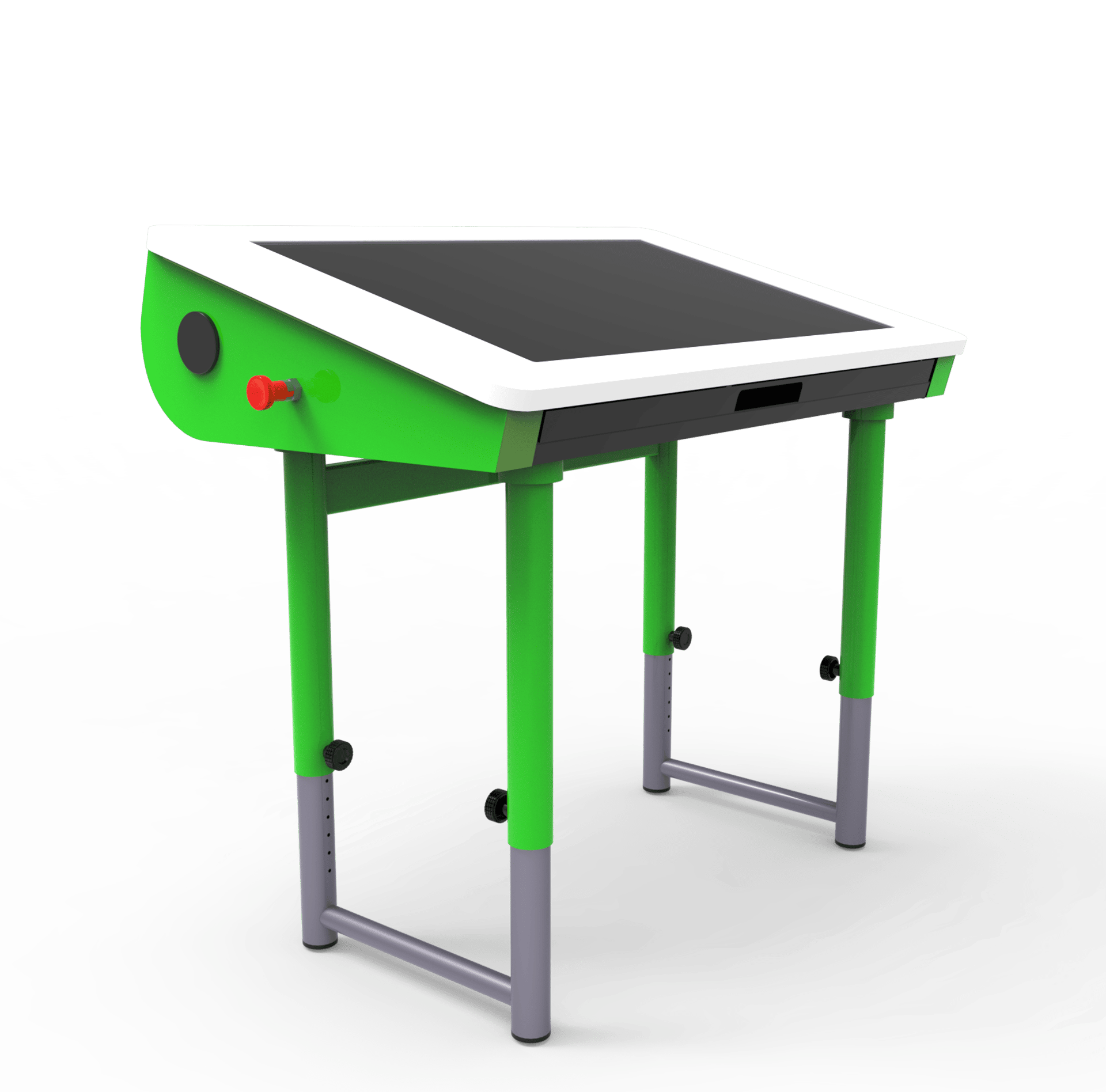
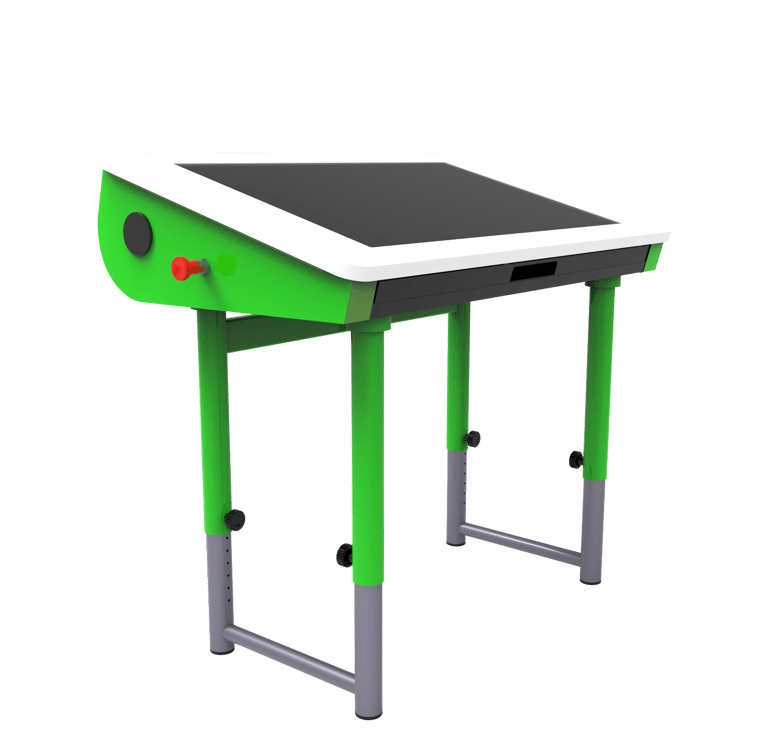
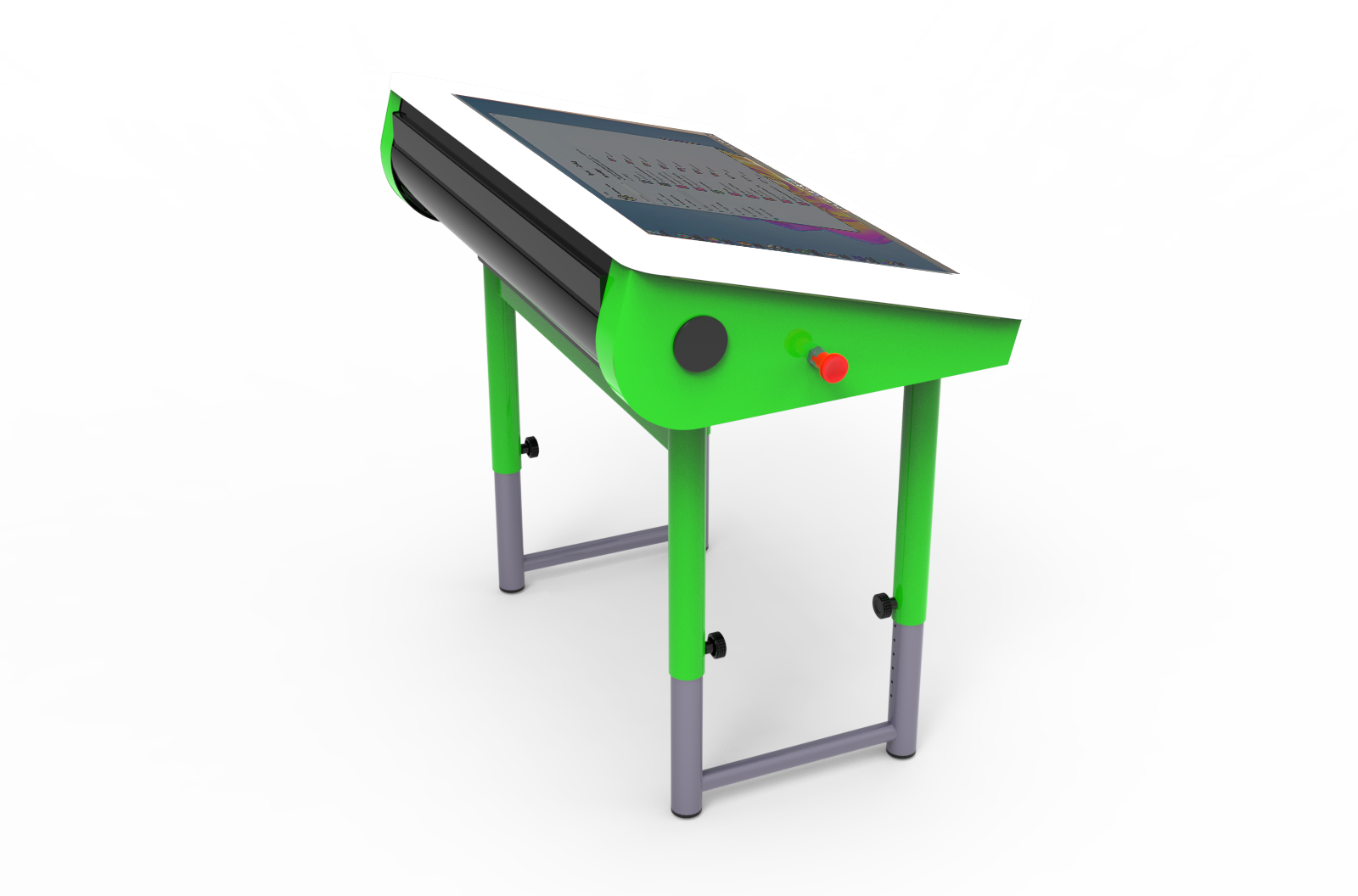
When off, it’s a traditional desk with a tempered glass top. When on, it becomes a 27-inch touchscreen surface
Krokodil. The evolution of the school desk for more active and engaging teaching
Adjustable tabletop in three positions, to adapt to different ways of use and the needs of each activity
School is evolving, and today teaching can integrate new technologies more effectively. Digital is part of learning: many educational applications are designed for touch interaction, and a large surface makes the experience more direct and engaging, both for individual work and for group activities.
Krokodil rethinks how computers are used at school through a “console” platform inspired by ship control panels. A collaborative digital station that makes learning more engaging and brings out the best in drag-and-drop based software.
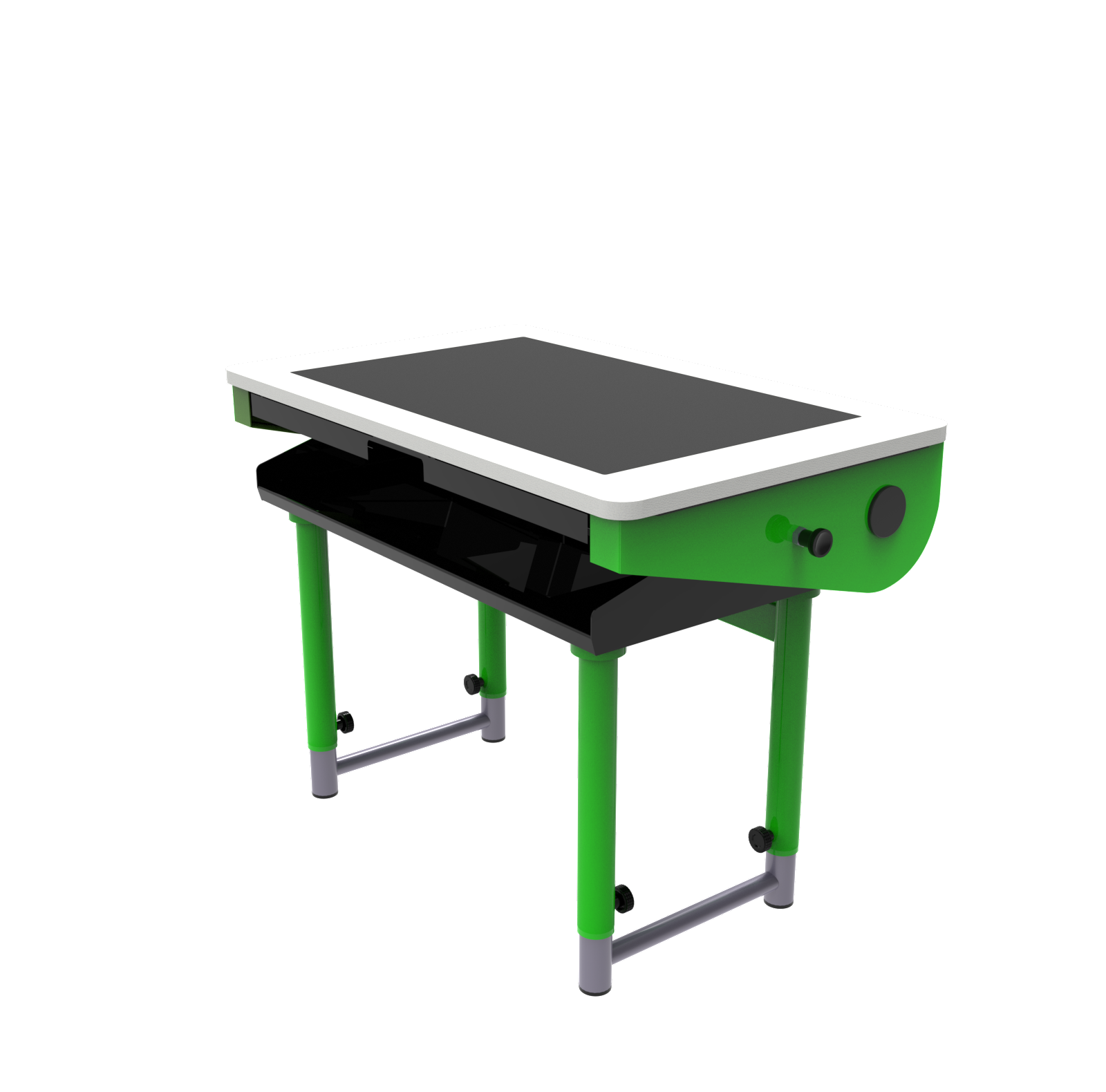
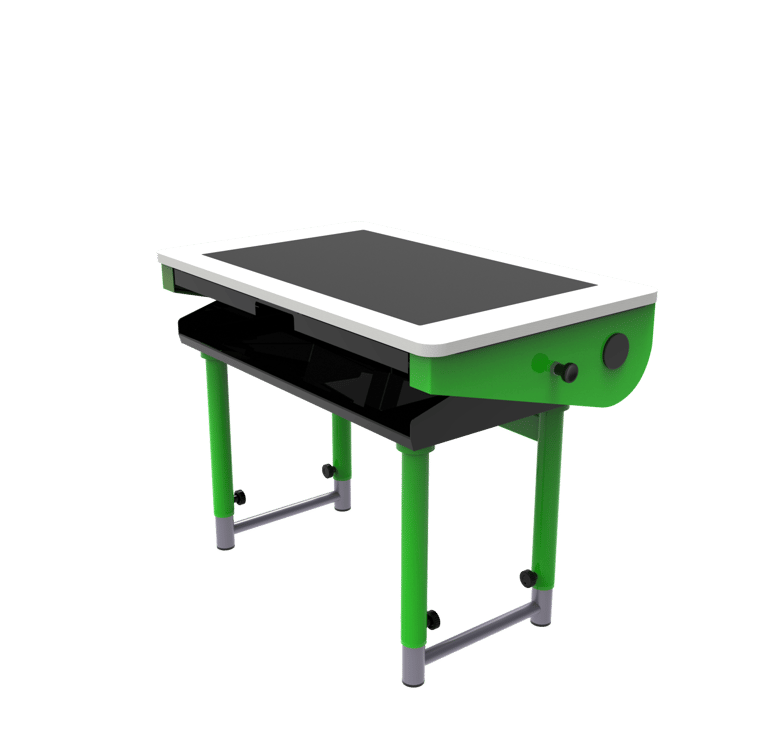
From a traditional desk to a modern digital platform
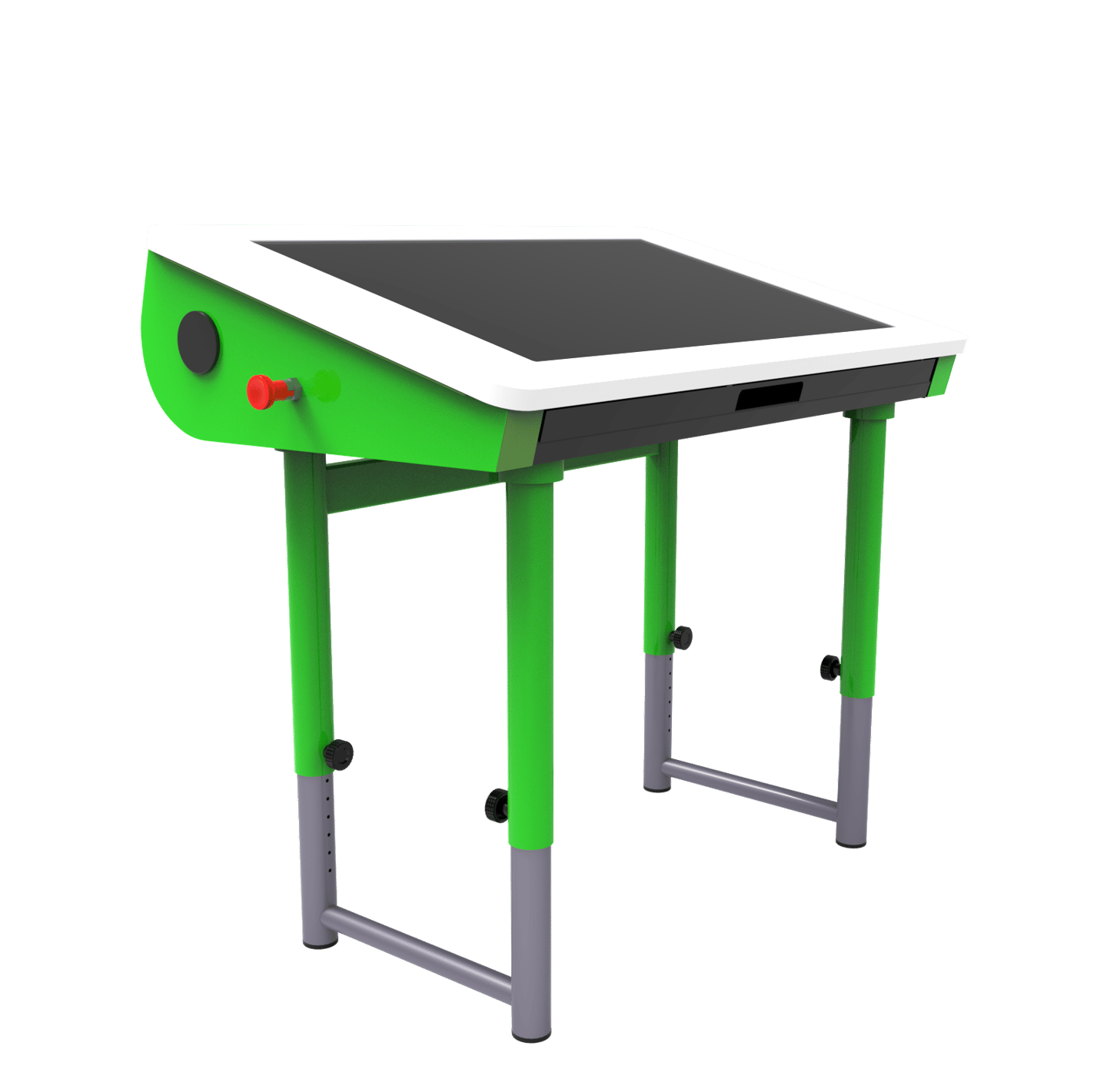
Krokodil, the school desk revolution for active and engaging learning
When turned off, a traditional school desk with a tempered glass top. A 27-inch touchscreen surface is on
From Traditional school desk to
Modern Digital Platform
Traditional desktop PCs, originally designed for individual office work, show clear limits when used in classrooms, where interaction is central to learning. The upright monitor of a desktop computer, positioned directly in front of the student, creates a visual barrier that reduces connection with the teacher and classmates. This setup can work in a traditional computer lab, but in collaborative, digitally mediated learning it can fragment the flow of lessons and hinder cooperation.
Educational software
Community
Krokodil changes digital learning at school


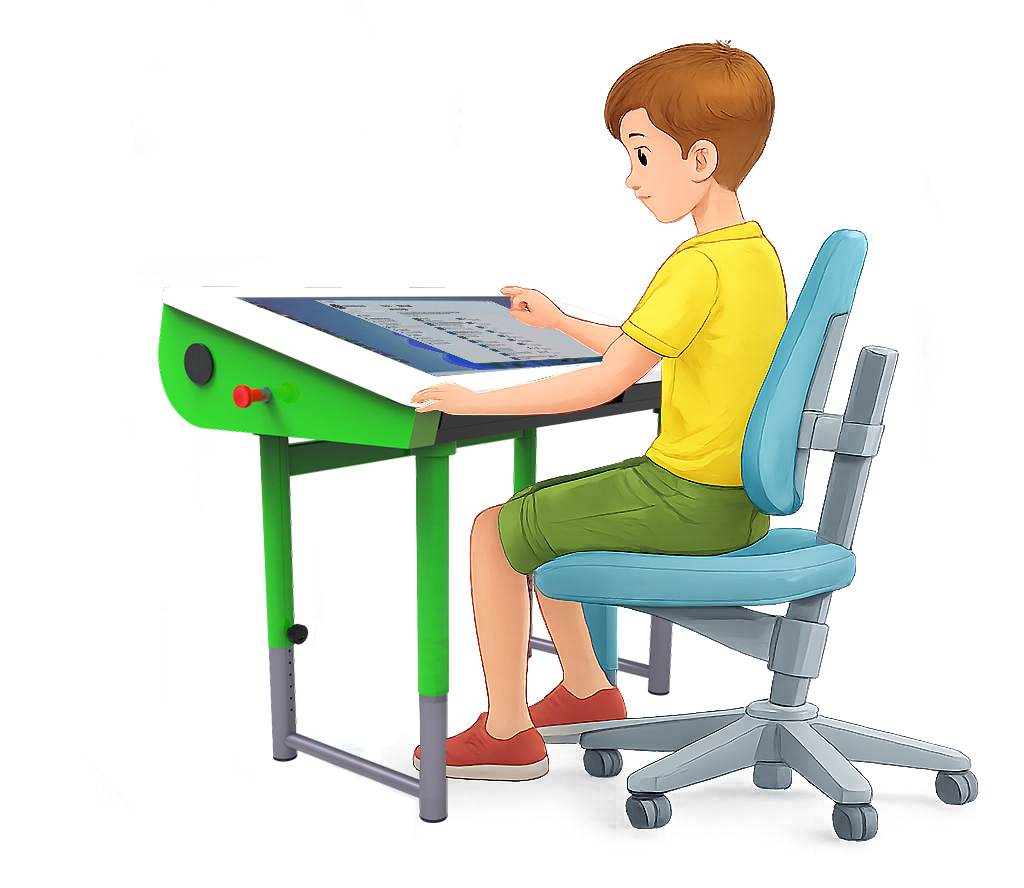
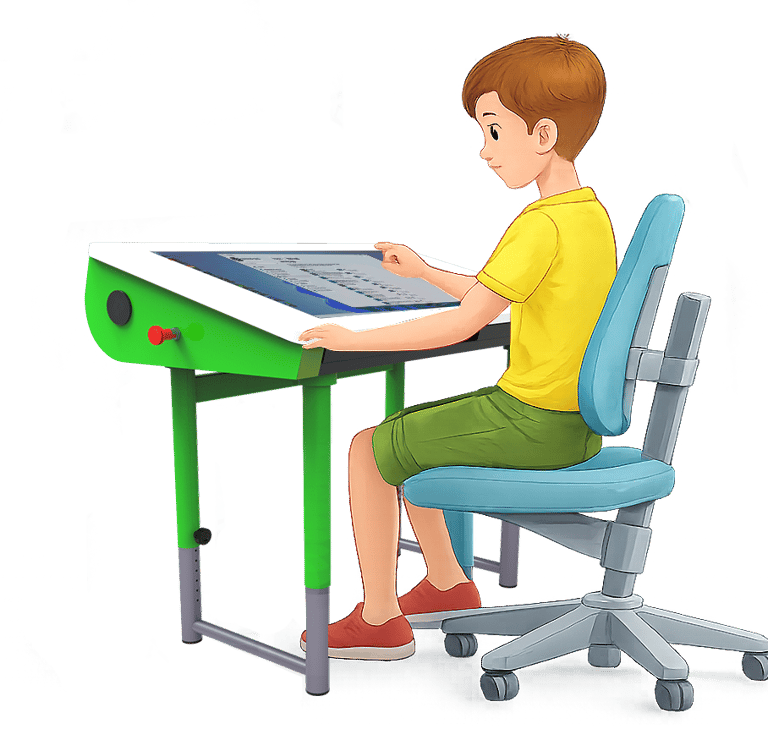
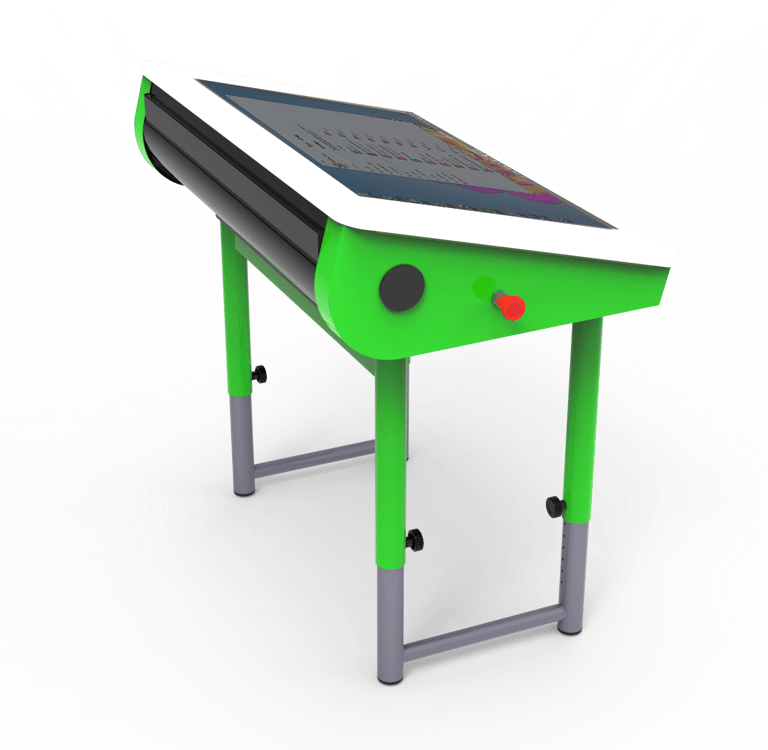
Krokodil’s console-style setup supports a natural posture and keeps an open line of sight to the classroom. Students stay oriented toward the teacher and their classmates, can follow what’s displayed on the interactive whiteboard directly from their station, and interact in real time, moving smoothly between different teaching modes. The result is more fluid activity management, greater attention, and digital learning that is truly integrated into classroom dynamics.
Ergonomics and presence
Software and compatibility
Krokodil includes dedicated software for classroom activities and teaching workflows. At the same time, it is compatible with the Windows applications already in use, integrating smoothly into the school’s existing technology ecosystem.
Support and training
Krokodil includes remote assistance for technical support and updates, as well as dedicated training pathways to support teachers and schools in adoption and everyday use.
Open ecosystem
Krokodil changes the way we experience digital in school
Ergonomics and presence
Open ecosystem
Customization
Krokodil allows individual adjustments to meet students’ different needs. The tabletop height and tilt can be changed to suit a student’s size, posture preferences, or specific accessibility requirements. Each student can set up their station in the most comfortable way, maintaining autonomy during activities. Teachers can support personalized configurations for learners with special educational needs or different learning approaches.
Result: real inclusivity and individualized comfort without losing the benefits of the shared solution.


It adapts to the needs of each student
The advantages of Krokodil
Ergonomics
Krokodil is designed to support a natural, stable posture in everyday use. The console-style setup keeps the line of sight open and reduces the strain typical of front-facing desktop workstations, especially on the neck and shoulders. The large display surface helps reduce visual fatigue and makes interaction smoother. Movements are spread across a wider space, encouraging more balanced gestures than on touchscreen tablets and laptops, and reducing stiffness caused by repeated micro-efforts.
Result: less visual and muscle fatigue, greater comfort even during prolonged activities.


Designed for teaching
Flexibility
Krokodil is designed to make hybrid teaching simple, thanks to three tabletop angles that let it adapt quickly and easily to different needs and uses.
Desk position. Switched off Krokodil works like a traditional desk: the glass-and-wood top provides a solid horizontal surface for mixed hands-on activities, writing, and workshops. Switched on it becomes an interactive digital table, with a large multitouch display for collaborative group activities.
Middle position. The intermediate angle provides an inclined surface that supports writing and becomes an ergonomic base for using tablets, making it easier to run blended activities that move between hands-on and digital work.
Console position. With the tabletop at maximum tilt. Switched off Krokodil becomes a lectern for easier reading and a working base for a laptop. Switched on it becomes a modern digital console with a 27-inch touchscreen display, and can integrate external devices when needed, such as a keyboard and mouse.
Optional (locker): When the tabletop is at maximum tilt, the under-shelf turns into a closed compartment for storing personal items. On request, Krokodil can be fitted with a magnetic lock, becoming a secure locker with a reprogrammable unlocking tag.
Result: a workstation that changes configuration depending on the task, maintaining continuity between hands-on and digital activities without interrupting the learning flow.
It combines traditional and digital teaching


Interactivity
Krokodil transforms the way students interact with digital learning. The large touch surface enables natural, intuitive gestures: dragging, rotating, zooming, and manipulating content with their hands, just as they would with physical materials. This direct interaction reduces the distance between thinking and doing. Students touch what they see, immediately experience the results of their actions, and create without technical barriers. Keyboard and mouse remain available whenever needed.
Result: a digital that responds in real time and allows you to focus on content.


More natural human-machine interaction
Collaboration
When the tabletop is not tilted, Krokodil becomes an interactive table for group work. Students collaborate on the same device in small groups, compare ideas, divide tasks, and build together. Then each student can return to their own station to complete the assigned activities. Teachers can step in, observe, and support without interrupting the workflow.
Result: more effective group dynamics and smooth transitions between collective and individual work.


It fosters group work and the exchange of ideas
Inclusion
Krokodil adapts to different students and contexts by integrating dedicated support tools. Because it is Windows-based, it supports the assistive software and hardware already common in schools, becoming a single platform for compensatory activities and personalized learning pathways. It can provide practical support for many special educational needs by integrating assistive solutions such as visual accessibility tools, screen magnification and screen reading, simplified interfaces, and dedicated peripherals. It also supports language inclusion projects through language-learning software, useful for students from immigrant backgrounds. The advantage is practical: schools can work within the Windows ecosystem they already know, reducing technical barriers and adoption time.


A platform for assisted teaching
Leave your email to receive updates on Krokodil or or write a message if you have questions or would like us to get back to you
For information, you can contact us by writing to:
info@ludotechnic.com
Privacy Policy
Ludotechnic SRL - via Mazzini 37/39 - 48012 - Bagnacavallo (RA)-Tel.05451921251 - P.IVA 02776720399 info@ludotechnic.com - ludotechnic@pec.it
Ludotechnic SRL - via Mazzini 37/39 - 48012 - Bagnacavallo (RA) P.IVA 02776720399 - ludotechnic@pec.it
Contacts





1st place, 2024 edition